
General Smart LED TV problems are described, ranging from Wi-Fi issues to no picture or sound. Find out how to make safe repairs quickly and when to hire a professional.
Introduction
We all love our Smart LED TVs—and even the older, regular TVs too. They’ve become our daily companions for YouTube, movies, web series, sports, and endless TV serials.
The problem is, no matter how advanced they are, these televisions can still act up from time to time.
Let me share some of the common issues I’ve seen—and maybe you’ve experienced too—along with advice on when it’s best to let a professional handle things.
Common Smart LED TV Problems
- No Power or TV Not Turning On
- No Picture but Has Sound
- No Sound but Picture is Fine
- Apps Not Working or Slow Performance
- Remote Control Not Working
- Wi-Fi Not Connecting
1. No power or TV Not Turning On
You press the power button while you’re eager to watch something, but nothing happens.
Don’t panic first. Verify the fundamentals:
Is the power cord properly plugged in?
Could you try a different socket?
Sometimes all you need is a loose connection.
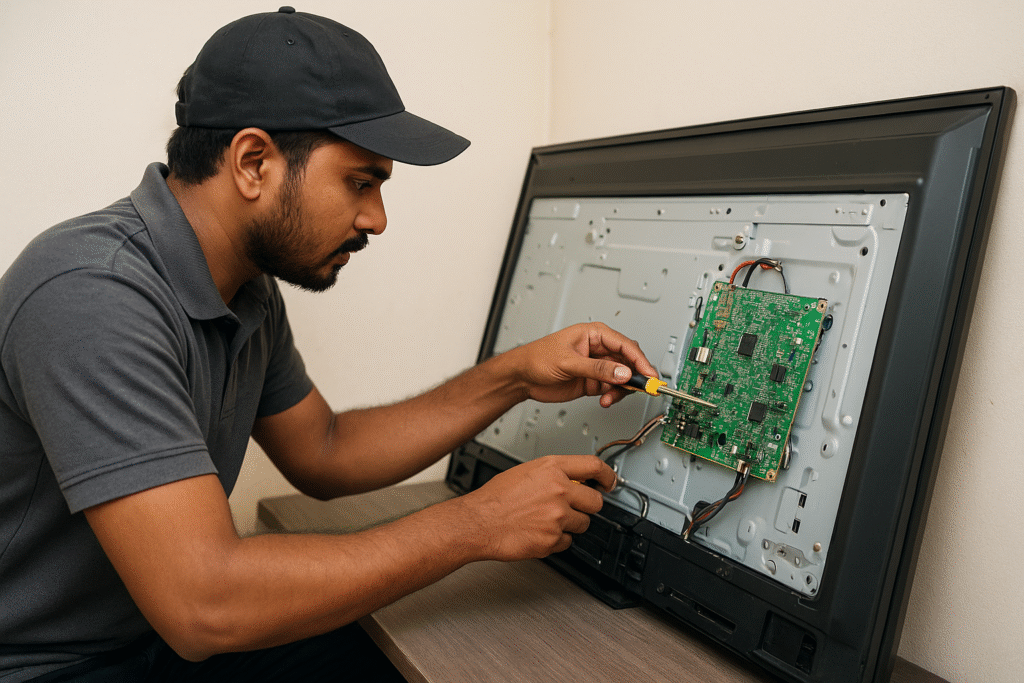
The motherboard or power supply board may be the issue if it’s still not functioning. These need to be replaced or repaired by professionals.
⚠️ Important: Call a Smart LED TV technician instead of opening your TV if you are not qualified to do so.
2. No Picture but Has Sound
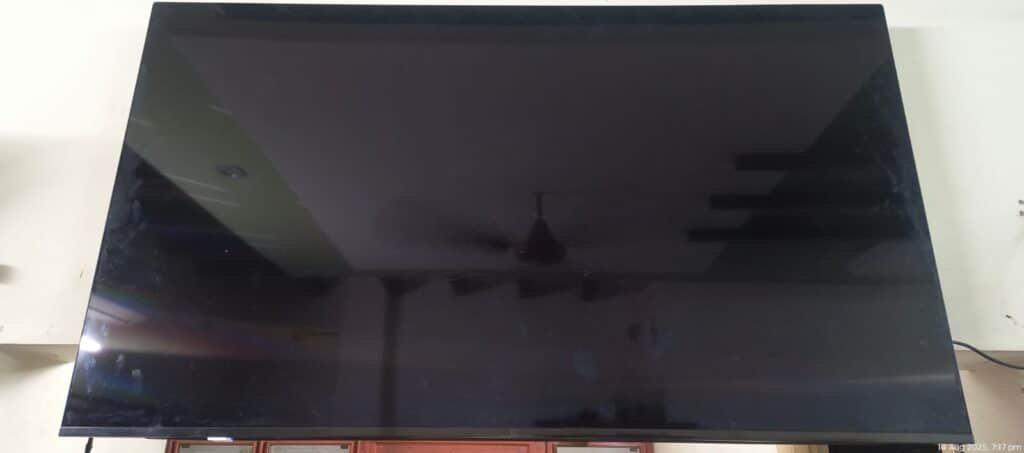
This one is annoying because the sound is still audible even though the screen is black.
This usually indicates that the backlight or display has malfunctioned. If you can barely see the image inside when the screen is illuminated, you can sometimes assume that the problem is with the backlight.
It may need to be replaced, or it may be repairable. In any case, a quick YouTube tutorial won’t make this safe because certain repairs call for specialized equipment and knowledge.
In short: consult an expert if you’re not sure.
3. No Sound but Picture is Fine
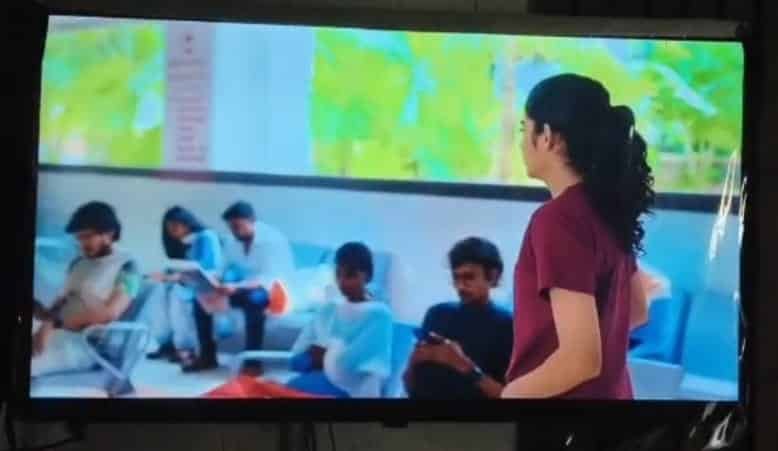
You’re watching your favorite movie, and then all of a sudden the melody stops, but the action is still visible. First, see if external speakers are selected in the settings or if the volume is muted. If everything checks out, there may be a problem with the internal audio board. or The speakers got damaged; maybe sometimes the speakers will be good, but still the melody is not coming, which means there is a problem with the audio board. At that point, we cannot fix the audio board because we do not have enough tools to do those repairs or replacements, so at that point, we have to call the pro or Smart LED TV technician.
4. Apps Not Working or Slow Performance
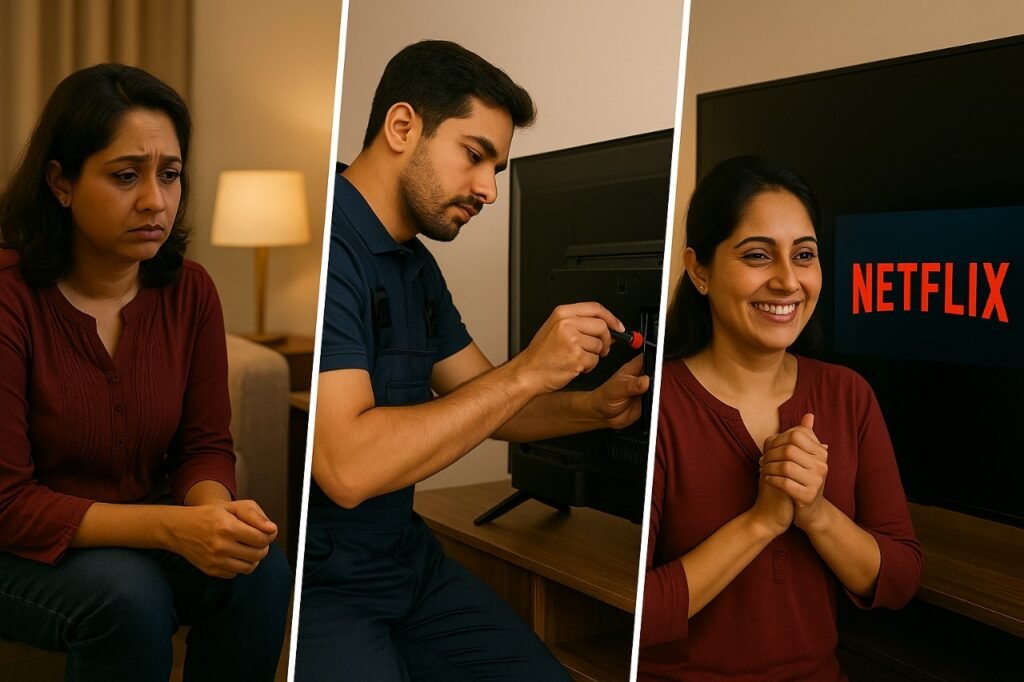
Is your TV operating slowly, or is Netflix continuously buffering? Is YouTube not loading?
Sometimes it’s just a problem with your Wi-Fi connection at that moment. Check your Wi-Fi connection, and then restart the router. If you find there is no problem with the Wi-Fi, then check for software updates and empty the TV’s cache. After that, if the TV is still like that, it only means it may be experiencing a software issue or low memory. A factory reset may be helpful in that situation, but be sure to back up your settings. And sometimes if it is not resolved in the software complaint, then it may have motherboard issues too.
5. Remote Control Not Working
The first thing we usually do when turning on the TV is use the remote control.
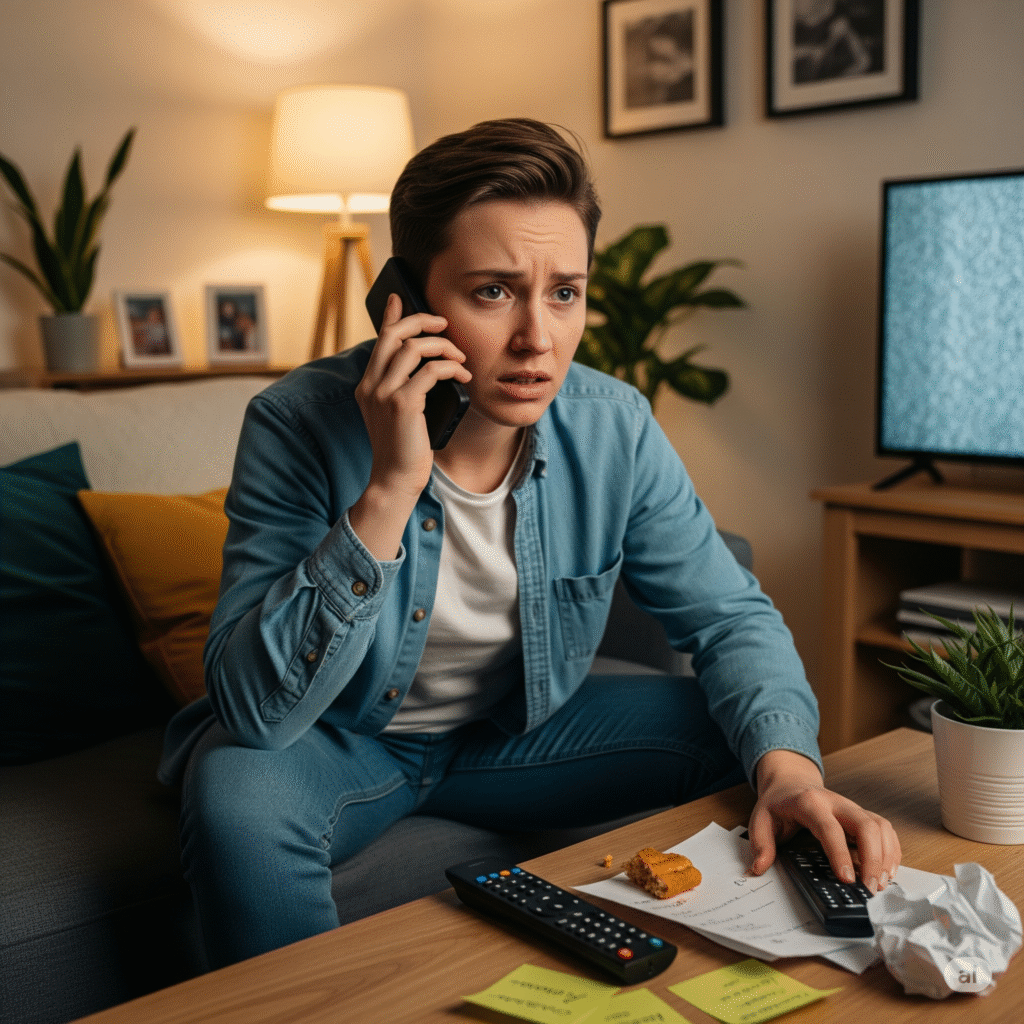
Before becoming irate, try checking the batteries if the TV is not responding to the remote control. Yes, it’s usually that simple.
Try pointing the remote at your phone’s camera if new batteries don’t work.
The remote control may be dead if the mobile device’s infrared light isn’t blinking.
There are two possible explanations at this point:
- The actual remote control is not functioning.
- The TV’s sensor is broken and requires professional inspection.
You’ll need to contact a professional or TV technician if the issue is with the sensor.
6. Wi-Fi Not Connecting
Your TV simply won’t join the online party sometimes. Try reconnecting after restarting your TV and router and making sure other devices can connect. The internal Wi-Fi module may be malfunctioning if it still won’t work; that’s a technician’s job.
7. Display or Panel Issue
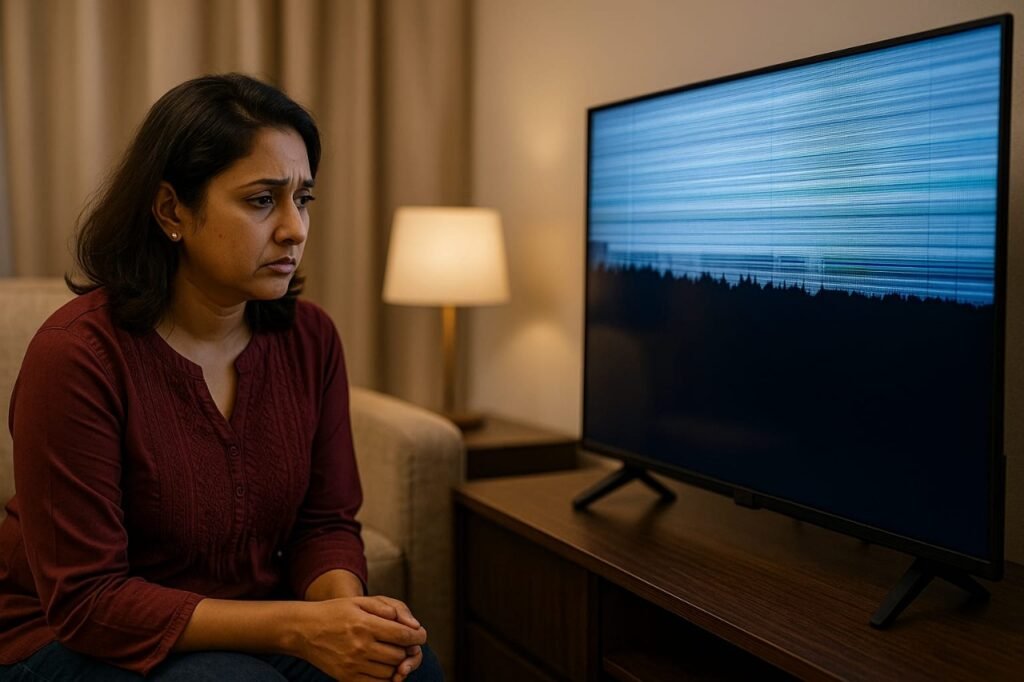
Thin lines, glitches, or rainbow colors could indicate a loose cable, a problem with the panel, or even just your TV getting older. While damaged panels can be expensive to replace, sometimes the panel problem will be repaired, and sometimes we have to replace it. It’s critical to take immediate action because using a damaged panel further causes the issue.
When to Call a Professional Without a Doubt
- strange clicking or buzzing noises coming from inside, or a burning smell.
- The TV keeps shutting off on its own.
- visible screen cracks.
- any internal fix you’re unsure of.
- When the Smart LED TV shutting on & off
- When you notice a different changes in the screen
Some Advice to Stay Out of Trouble
- Keep your TV in a well-maintained area, a dust-free space.
- Avoid using the highest brightness for extended periods of time, as this reduces the lifespan of the backlight.
- To protect against power voltages, use a voltage stabilizer.
- Regularly update the software.
- Keep the volume in medium; it means below 40.
- Keep your kids away from the TV because they may harm your Smart LED TV with the objects.
- Don’t use a wet cloth to clean your Smart LED TV screen.
- Use only a dry cloth to clean your Smart LED TV.
Final Conclusion
Some problems, like checking cables or updating software, have easy fixes that you can do on your own. But rather than experimenting, it’s safer (and ultimately less expensive) to get professional assistance for anything involving the internals.
After all, TVs are now more than just devices; they serve as our main sources of entertainment every day, and maintaining them requires a little maintenance. so calling a pro or Smart LED TV Technician is better than our
The above-mentioned are the problems that I faced in my Smart LED TV
If you are in Visakhapatnam, here is the best Smart LED TV repair service center I can suggest for anyone. They are
- https://ledtvexpert.co.in/
- https://vizagtvrepairexpert.in/tcl-tv-repair/
- https://sonytvrepairvizag.com/
The best social media platforms That are followed by me
FAQs – Common Smart LED TV Problems
Q1. What are the most common Smart LED TV problems?
The most common issues include no power, no picture but sound, no sound but picture, slow apps, remote control not working, Wi-Fi connection errors, and display/panel problems.
Q2. Can I fix my Smart LED TV at home?
Simple tasks like software updates, remote battery replacements, and cable inspections can be completed at home. It is best to contact a qualified technician for internal issues like motherboard, power supply, audio board, or panel damage.
Q3. Why does my Smart LED TV have sound but no picture?
This may occur if the display panel or backlight is malfunctioning. Although the issue may be minor at times, it frequently calls for expert repair or panel replacement.
Q4. When should I call a professional for Smart LED TV repair?
It’s best to get in touch with a Smart LED TV technician if you notice any burning smells, strange noises, cracked screens, unexpected shutdowns, or any other internal issue you’re unsure about.